
I've just deployed some patches for this blog today. It's just some small improvements that came from my todo list after gathering a couple of ideas and feedback when using this app. All previous days were very hectic for me that today is the only day I have to make some changes for this app.
Perfection is achieved, not when there is nothing more to add, but when there is nothing left to take away.
- Antoine de Saint-Exupéry
Like this quote from the author of The Little Prince, I don't have any plans to add some big features to this app. My priority is mostly about taking away things that disturb my experience when using this app and replacing them with something better. Therefore, most of the improvements are on the client side because the back end is already perfect for running this blog. You can see the codebase on my GitHub.
TL; DR
Some of the main patches are:
- removing post contents when fetching multiple posts
- reimagining the blog main color
- adding category name in post category filter
- creating double submission components with dirty editor detectors
- redirecting to home page after creating a post
- improving the toast algorithm
- adding logout action toasts
The Back End
Before the patch, fetching multiple posts would also acquire the post contents although we never needed them when displaying a list of posts. Consequently, it would decrease the app performance if I had some big post content sizes. Back then, I was a little bit lazy to specify the fields/columns that I had to get from the database. But now, the app only fetches what it really needs for multiple posts after I wrote the post fields explicitly when querying multiple posts:
import { prisma } from "../lib/prisma";
import { POSTS_PER_PAGE } from "./constants";

async function postsGet(req: any, res: any) {
  const page = req.query.page;
  const categoryUri = req.query.category;
  const published = req.query.published;
  const where = {
    ...(categoryUri && {
      categories: {
        some: { uri: categoryUri },
      },
    }),
    ...(published && { published: +published === 1 }),
  };
  const posts = await prisma.post.findMany({
    orderBy: { createdAt: "desc" },
    select: {
      id: true,
      createdAt: true,
      updatedAt: true,
      title: true,
      subtitle: true,
      published: true,
      uri: true,
      author: {
        select: { username: true, role: true },
      },
      categories: true,
    },
    ...(page && {
      skip: (+page - 1) * POSTS_PER_PAGE,
      take: POSTS_PER_PAGE,
    }),
    where,
  });
  const postCount = await prisma.post.count({ where });
  res.json({ posts, postCount });
}
The Front Ends
This app main colors are still the same: purple-pink gradient and dark zinc. However, now I created a distinction of the purple-pink gradient color for different text hierarchy. For example, take a look at Stacked Control home page below (this blog admin dashboard).
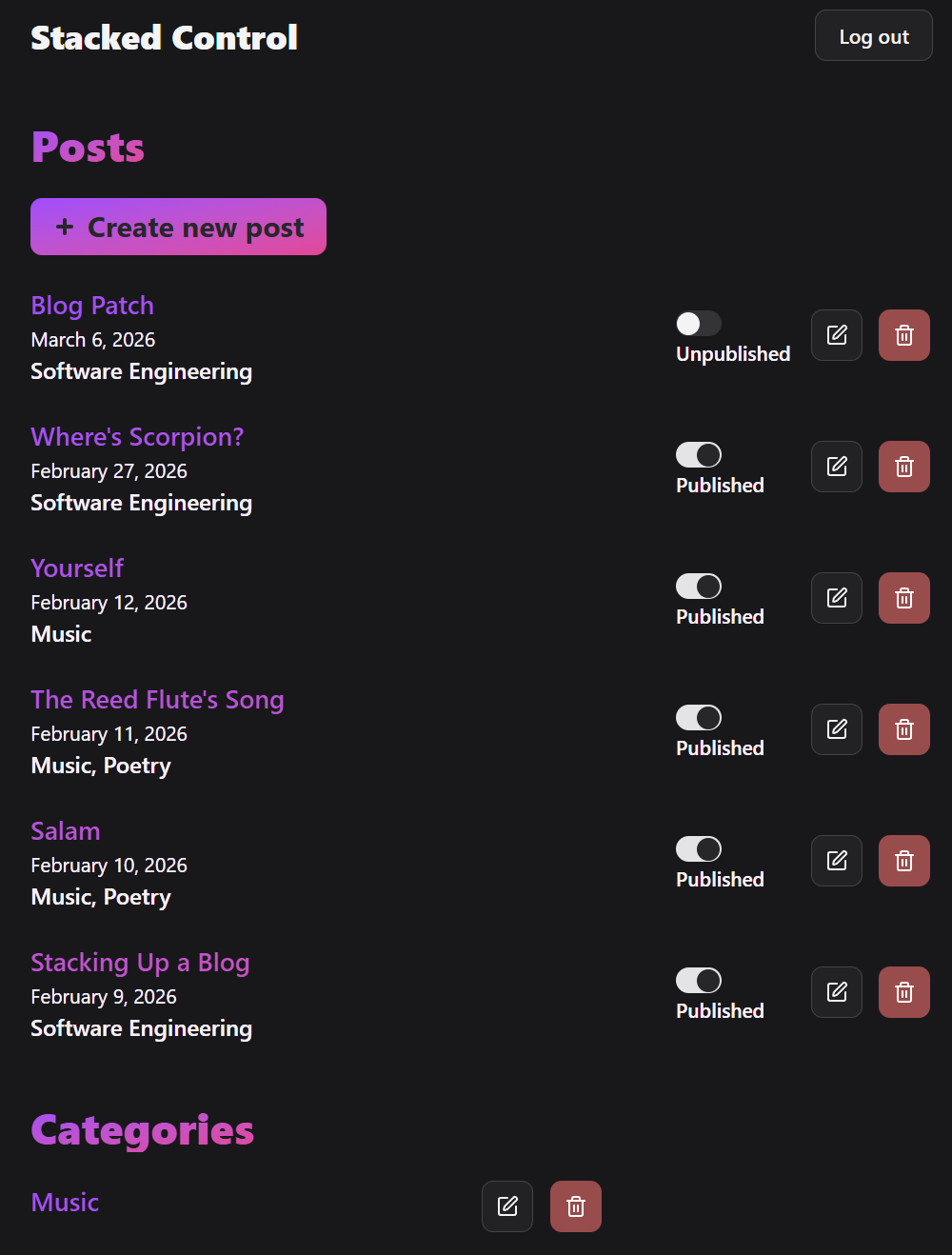
Although most subheadings use the same purple-pink gradient, the span of the gradient can be different depending on the hierarchy, i.e. the "Posts" text, "Categories" text, and "Create new post" button have their own gradient within themselves, while the post title gradient spans across the whole list. This design subconciously gives a hint that these post titles are parts of one collection. And as you can see on this blog, I use this design pattern here too.
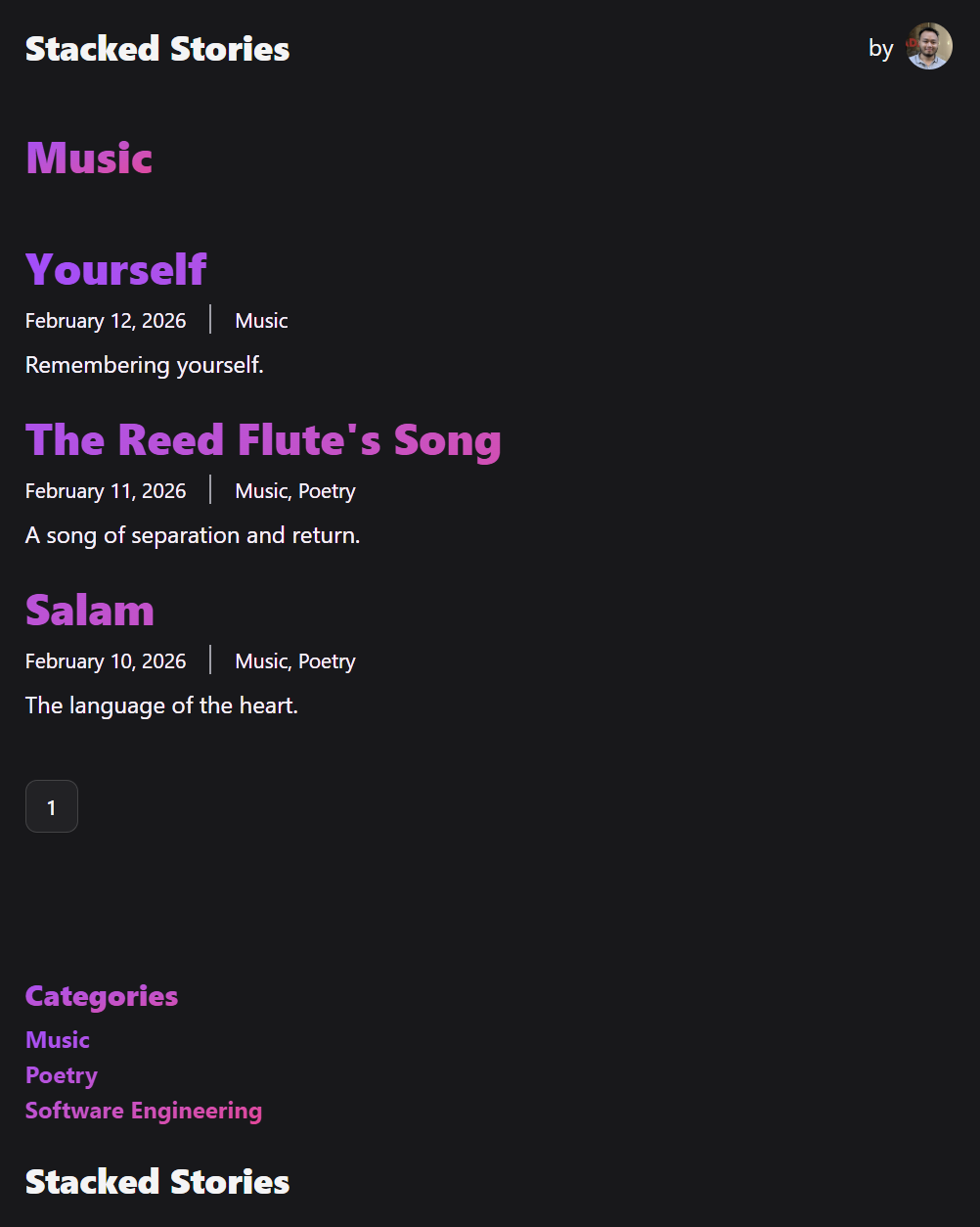
I also put category name on top of the filtered post list now. For example, when I click "Music" category, then "Music" text will appear on top of the post list:
Another thing that I could improve is the writing experience in the editor. Now, there are two submission components that we can use to cancel, save, or publish a post on the top and bottom of the editor as shown in the following image:
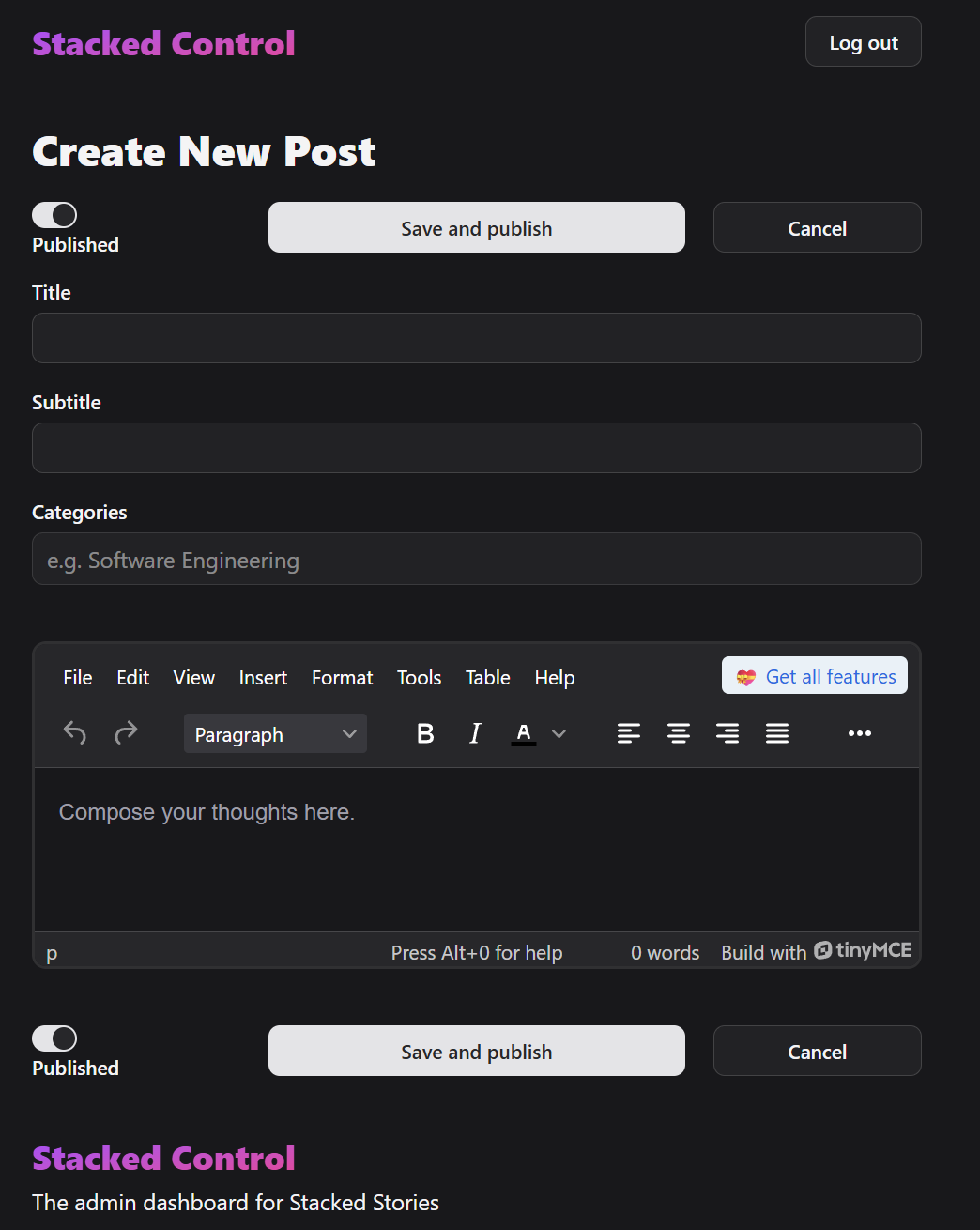
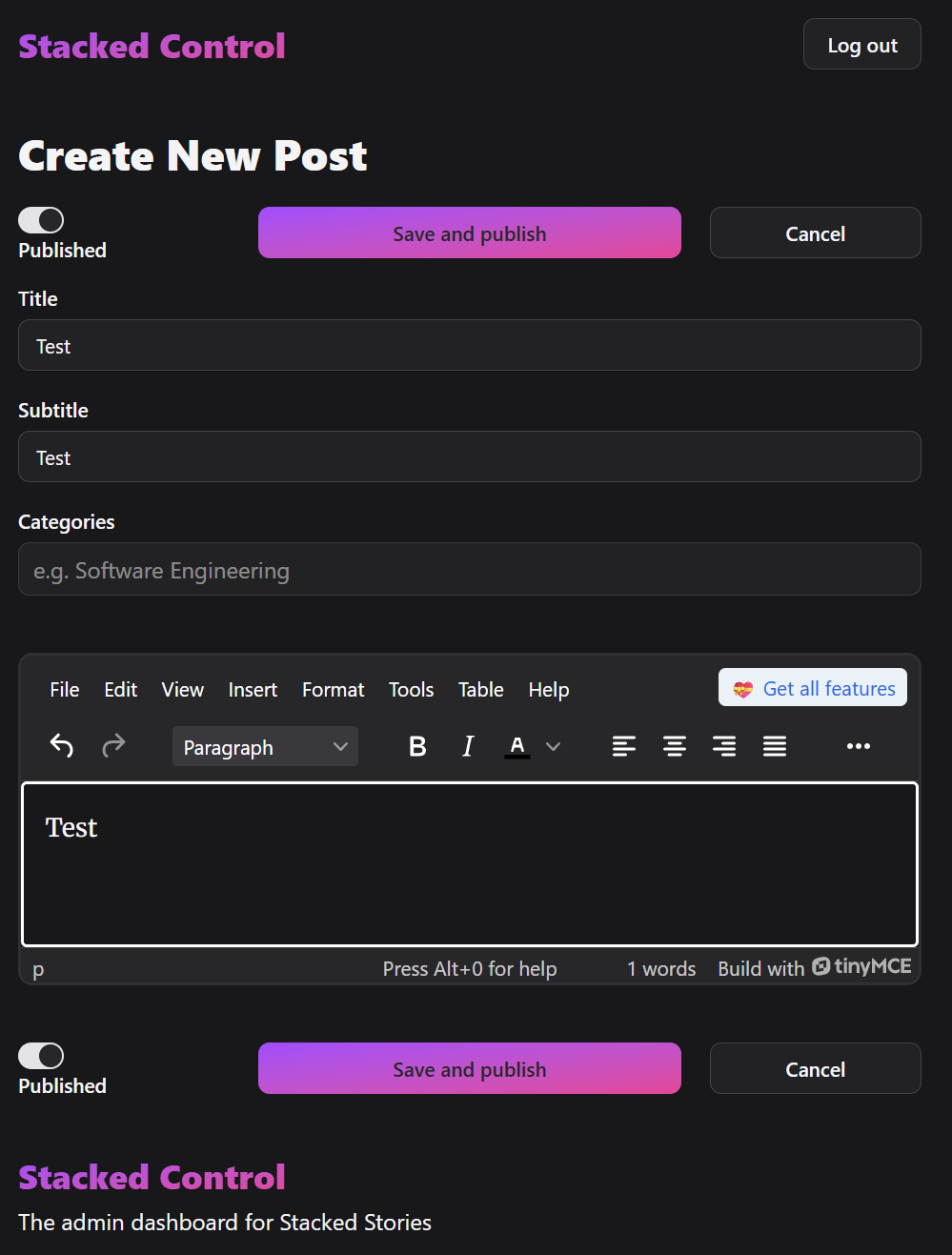
This seems silly, but in my experience, it really improve the UX especially in case of a very long content in the editor. It helps me by not having to scroll up to the top page to save my writing, and just click the button on the bottom of the page instead. Moreover, the submission buttons also have the indicator to detect if the editor is dirty, which means whether there is unsaved progress in the editor. Therefore, the button changes its color to purple-pink gradient as we type in the editor like in the following image. The button will be back to be white right after we save or publish the post.
Another small improvement is that now we will be redirected to home page in Stacked Control after we create a new post. Before, we were still be in the create new post page with a blank new editor after we submit the new post, which is very unintuitive. Rerouting the path changes some of our app logic, especially the toasts, which are a useful indicator to give a visual feedback of ongoing, successful, and failed actions.
A toast triggered by a fetcher submission is easier to handle, you can see the example in Stacking Up a Blog. The problem arises, for example, when we want to trigger a success toast in a different route from the route where we submitted the form. The solution is to modify the search parameter key to use a key unique to a specific route. Then, we can refer the key in the destination route, for example:
import { useSearchParams } from "react-router";
import { useEffect } from "react";
import { toast } from "sonner";

// Inside a component
  const [searchParams, setSearchParams] = useSearchParams();

  useEffect(() => {
    const login = searchParams.get("login");
    const postAdd = searchParams.get("post_add");
    if (login) {
      toast.success("You're now logged in", { id: +login });
      searchParams.delete("login");
      setSearchParams(searchParams);
    } else if (postAdd) {
      toast.success("Post has been added", { id: +postAdd });
      searchParams.delete("post_add");
      setSearchParams(searchParams);
    }
  }, [searchParams, setSearchParams]);
Lastly, I also implement logout toasts, which haven't been added in the previous build. Now, there is a feedback when you try to click the logout button!
Well, those are some main improvements I made in this patch. If you have some suggestions for the next patch, let me know in the comments.